 Fellow Canadians: All inFlow plans are available in Canadian dollars




 Home
Home


Why should I avoid negative inventory levels in inFlow?
We understand that things can get busy, and it’s perfectly okay if your inventory levels occasionally fall below zero. However, consistently having products with negative inventory can lead to performance issues in inFlow. In this article, we’ll discuss why it’s important to avoid negative inventory in inFlow.
Negative inventory in inFlow occurs when a product’s quantity on hand is less than zero. (ex., a Quantity on hand of -17 at Location A). We recommend avoiding negative on-hand quantities wherever possible.
How can negative inventory affect inFlow’s performance?
Just like how you can’t actually have negative stock on your physical shelves, inFlow’s internal calculations aren’t designed to support negative stock levels.
Negative inventory affects performance because, in the background, inFlow is constantly calculating your product costs based on the negative amounts (unless you use manual costing). These calculations are happening even when those products aren’t on active orders!
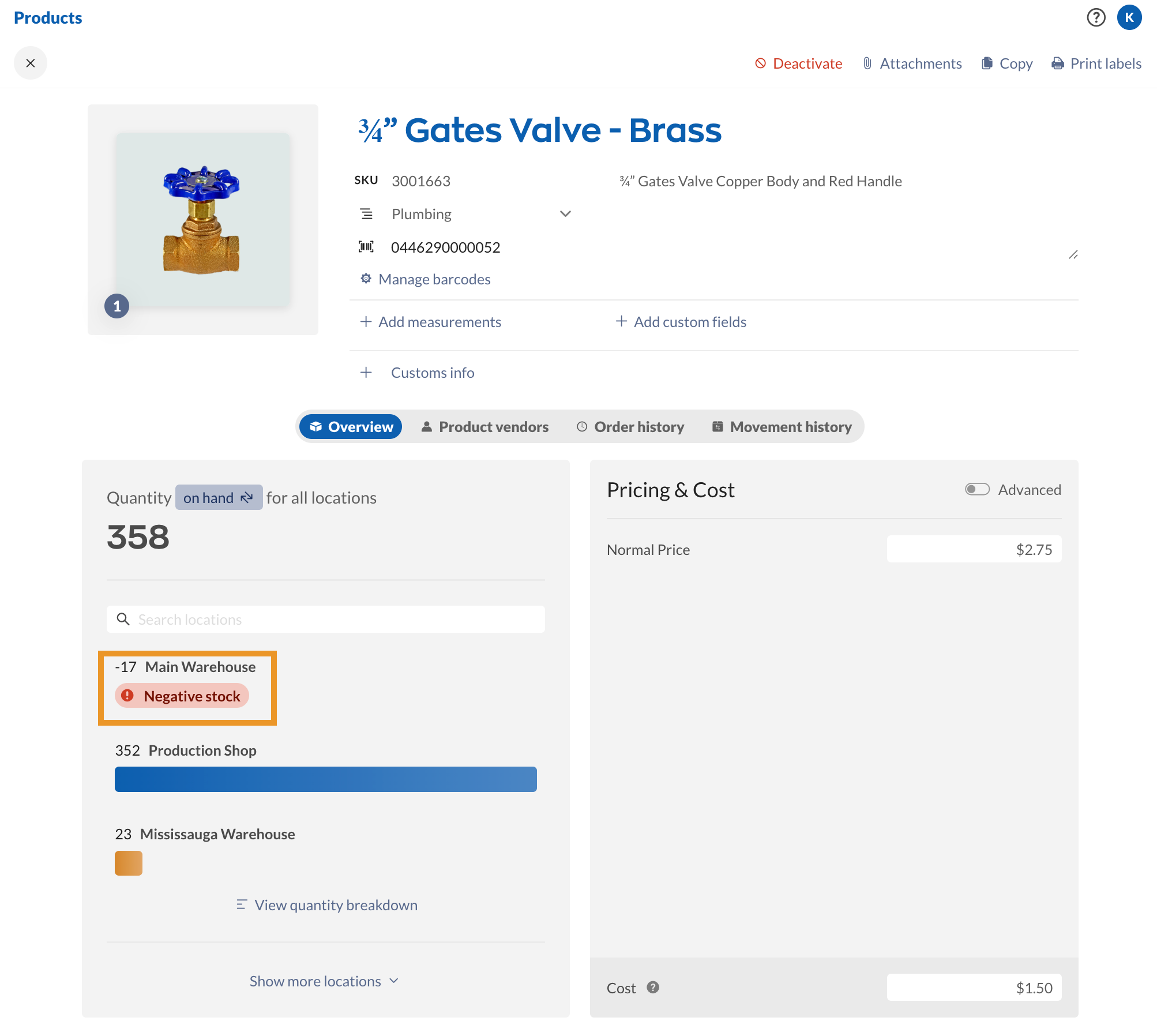
You can learn more about how inFlow calculates quantity on hand and other quantities from the quantity breakdown guide.
Maintaining consistent negative inventory across your products means that inFlow has to do a lot of extra work in the background to calculate your costs, which can really slow things down.
How can I check for negative inventory levels?
Reports provide an easy way to check on your inventory levels.
You can head to Main Menu > Reports > Stock Levels> Inventory and generate the Inventory by Location report. This report groups all of your products by location, and you can select the Quantity column heading to make it easier to find any negative numbers.
 Yes, thanks!
  Not really


0 Comments